
How to Digitize Your Archives on a Budget Without Compromising Quality
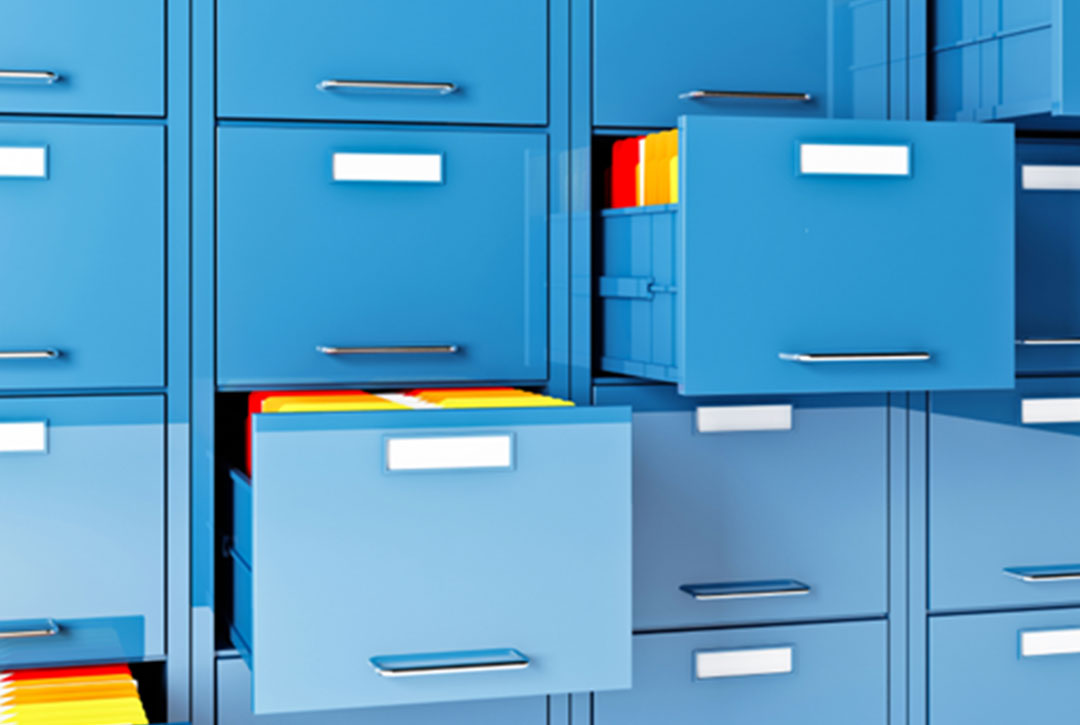
Ever stood in front of an overstuffed filing cabinet and thought, “There has to be a better way?” You’re not alone. Digitizing your archives isn’t a nice-to-have anymore – it’s essential if you care about security, efficiency and basic sanity.
The challenge is doing it well without draining your budget or turning your staff into full-time scanning interns. Some organizations try to handle everything in-house, others bring in a scanning partner and many land somewhere in between.
Wherever you are on that spectrum, the core principles are the same. Here’s how to approach digitizing your archives on a budget – and where it might make sense to let a team like Imaging & Microfilm Access (IMA) take some of the weight off your shoulders.
Start With a Clear Plan (and a Realistic Budget)
Jumping straight into scanning without a plan is like heading to the airport with a suitcase and no destination. You’ll definitely go somewhere… it just might not be where you needed to go.
Before anyone touches a scanner, ask:
- Why are you digitizing?
Faster access? Less storage? Compliance? Disaster recovery? - What needs to be scanned first?
High-use, high-risk or records that you are required to retain in accordance with mandated records retention and disposition policies? - Where will the electronic records reside after scanning?
- Who will own the digital files once they exist?
“Everyone” is not a great answer.
You can work through this internally, or you can walk through it with a partner who’s done this more times than they can count. IMA often comes in at this stage to help organizations turn “we should digitize” into an actual project plan and budget that doesn’t live in fantasy land. From a budget perspective, outsourcing has some distinct advantages. Because companies like IMA typically bill on a per image scanned basis, the cost is predictable versus buying and maintaining equipment and training and/or hiring personnel.
Start with what matters most. That typically means starting with records that require long term retention and records that are frequently retrieved.
The big takeaway: not everything needs to be scanned on day one. Start with what matters most, prove the value and expand as budget allows.
Choose the Right Scanning Approach
This is where the “we’ll just do it ourselves” idea either works… or quietly explodes.
DIY scanning can make sense if you’re dealing with:
- A manageable volume of documents
- Standard-size, clean paper
- Flexible timelines and patient staff
Once you add real-life complications – fragile paper, bound books, odd sizes, microfilm, photos, or simply a lot of boxes – the in-house approach starts to come with hidden costs: staff time, trial-and-error, rework and a lot of “I’ll get to that when I have a minute.”
A professional partner like IMA brings:
- Decades of experience
- The right mix of scanners for different document types
- Technicians who live and breathe this work
- Established quality control so you don’t discover missing pages six months from now
- Careful, documented chain of custody procedures
You don’t have to outsource everything. Many organizations keep small, everyday scanning in-house and send the heavy, messy or time-sensitive work to us. The key is being honest about what your team can realistically handle without burning out.
Pick Smart Storage Solutions
Once your documents are digitized, they need a proper home. And no, a desktop folder called “New Folder (Final_Final_Version_3)” does not count as a home.
Consider using a formal document and/or records management system and think about:
- Should the new system be Cloud based, on-premise or a hybrid?
- Who needs access, and from where?
- How will the records be indexed and ? How should folders be structured so people can find what they need?
- Do formal records retention and disposition schedules need to be applied to the now electronic records?
IMA is actually a reseller of a very popular and widely used system called Laserfiche. There are many ways to refer to this class of products, but generally speaking, Laserfiche is considered to be a Enterprise Content Management system (ECM). Laserfiche can be self-hosted or it can be deployed in the cloud. It can be used to simply store and retrieve documents, but there are so many advanced features that can be leveraged. Electronic forms and workflows can be automated, retention and disposition policies can be applied automatically and just about any repetitive process that is ordinarily carried out by people can be automated as well. Once a system like Laserfiche is embraced, it can be leveraged extensively. The result is a streamlined operation. In addition to managing content, Laserfiche also has a very powerful front end for scanning.
Maintain High-Quality Scans
“Budget-friendly” should not translate to “squint and hope for the best.”
Whether you scan in-house or outsource, a few basics matter:
- 300 dpi for standard documents
- Clean scanner glass (smudges are not a design choice)
- Test scans before you run thousands of pages
- Optical Character Recognition (OCR) so you can search instead of scroll (ststems like Laserfiche have OCR built-in)
If you’re working with IMA, these details are baked into the process. If you’re scanning internally, make them part of your own checklist so your digital archive doesn’t turn into a collection of almost-useful images.
Standardize File Naming and Formats
This is the part no one gets excited about, but it’s the difference between “we’re digital” and “we’re digitally lost.”
Random names like “scan123.pdf” or “contract-final-v3-FINAL-FOR-REAL.pdf” might make sense today, but future you will not be amused.
Create a simple naming convention that fits your world – for example:
- YYYY_Department_DocumentType_Description.pdf
Then actually use it. If you’re working with a partner, agree on the rules up front so every file they deliver drops into your system in a way that makes sense.
Consistency isn’t glamorous, but it’s what makes your archive usable. ECM systems like Laserfiche can enforce naming constituencies at a very granular level, so that inconsistencies are prevented.
Don’t Skip Backup and Security
You haven’t really gone digital until your data is protected.
Losing digital records is more than annoying – it can mean compliance issues, operational headaches and the joy of redoing work you already paid for. The good news for Cloud users is that the backup is being performed for you, but self-hosted, or on-premise, users must work with their IT departments to ensure that there are regular, automated, off-site backups. FGrom time to time, backups should be validated for their ability to be restored.
Your IT team may already have standards in place. A partner like IMA can deliver your files in formats and structures that plug into those standards instead of forcing you to reinvent the wheel.
Make Digitization an Ongoing Habit
Digitizing your archives isn’t a one-time “spring cleaning” project. If you treat it that way, you’ll be back to boxes and mystery folders sooner than you’d like.
Once the backlog is under control:
- Decide which documents should be born digital from now on
- Set a simple process for the paper that still shows up
- Consider periodic scanning projects or scheduled pickups for new records
Some organizations handle this entirely in-house. Others prefer a hybrid approach where day-to-day items are scanned internally and larger or more complex batches go back to a partner like IMA. Either way, a small, consistent effort beats another giant “we really need to digitize” crisis later.
Digitizing your archives doesn’t have to break the bank or your team’s spirit. With a clear plan, some sensible standards and the right mix of internal effort and outside help, you can turn boxes of paper into a secure, searchable digital system that actually makes your life easier.
If you’re looking at your filing cabinets and thinking, “We don’t have the time or tools to do all of this ourselves,” that’s exactly where IMA comes in. We help organizations plan, prioritize and carry out digitization projects in a way that fits real budgets and real workloads.
Curious what that might look like for you? Reach out to IMA and let’s talk through a practical path to bringing your archives into the digital age – without compromising quality or sanity.